

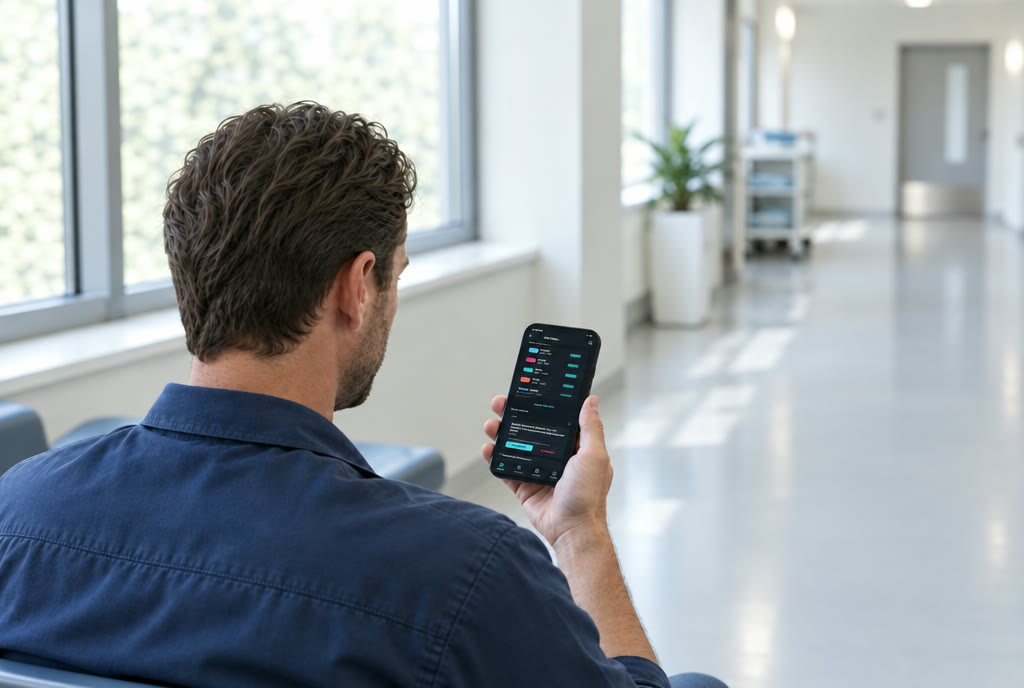
A man in work clothes stands in a bright corridor looking at his phone, which shows a monthly calendar with coloured shift bars.

Calendar

Your month at a glance.

Your own shift types with colour, abbreviation and times. Repeats, leave and sick days. Public holidays and school holidays for your region. The calendars on your device can be shown as well.

Two flatmates stand laughing in a kitchen holding up a phone with a shopping list to the camera; behind them a pinboard with notes.

Together

For family, flatmates or friends.

Share out tasks and tick them off, a pinboard for notes, a shopping list with a pantry, a meal plan with your recipes and a list of who paid what.

Hours and reminders

Numbers that break down into their parts.

Hours, shifts, overtime and undertime, overtime balance, leave and sick days. With Pro also base pay, premiums and earnings — every number broken down into its parts, so you can check it.

Reminders for shifts, tasks, appointments and birthdays, with several lead times. Your phone schedules them itself — no network needed.

On paper

What belongs on the wall goes on the wall.

Monthly plan, yearly plan, statistics, task plan and every list as a PDF — share or print.

A look inside

Here is how it looks.
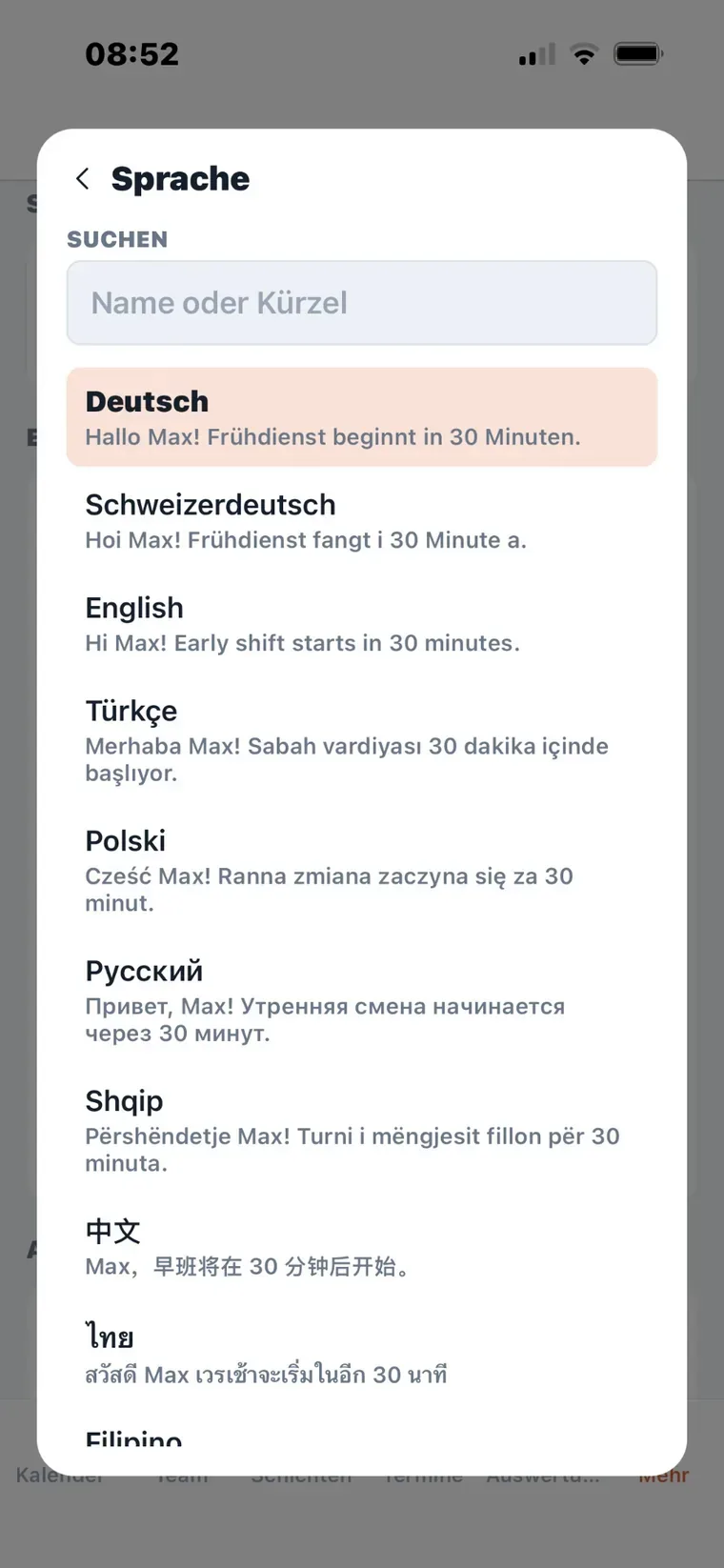
A picker with the list of languages; under each name the same example sentence in that language.
Seventeen languages Every message in yours — in dialect if you like.
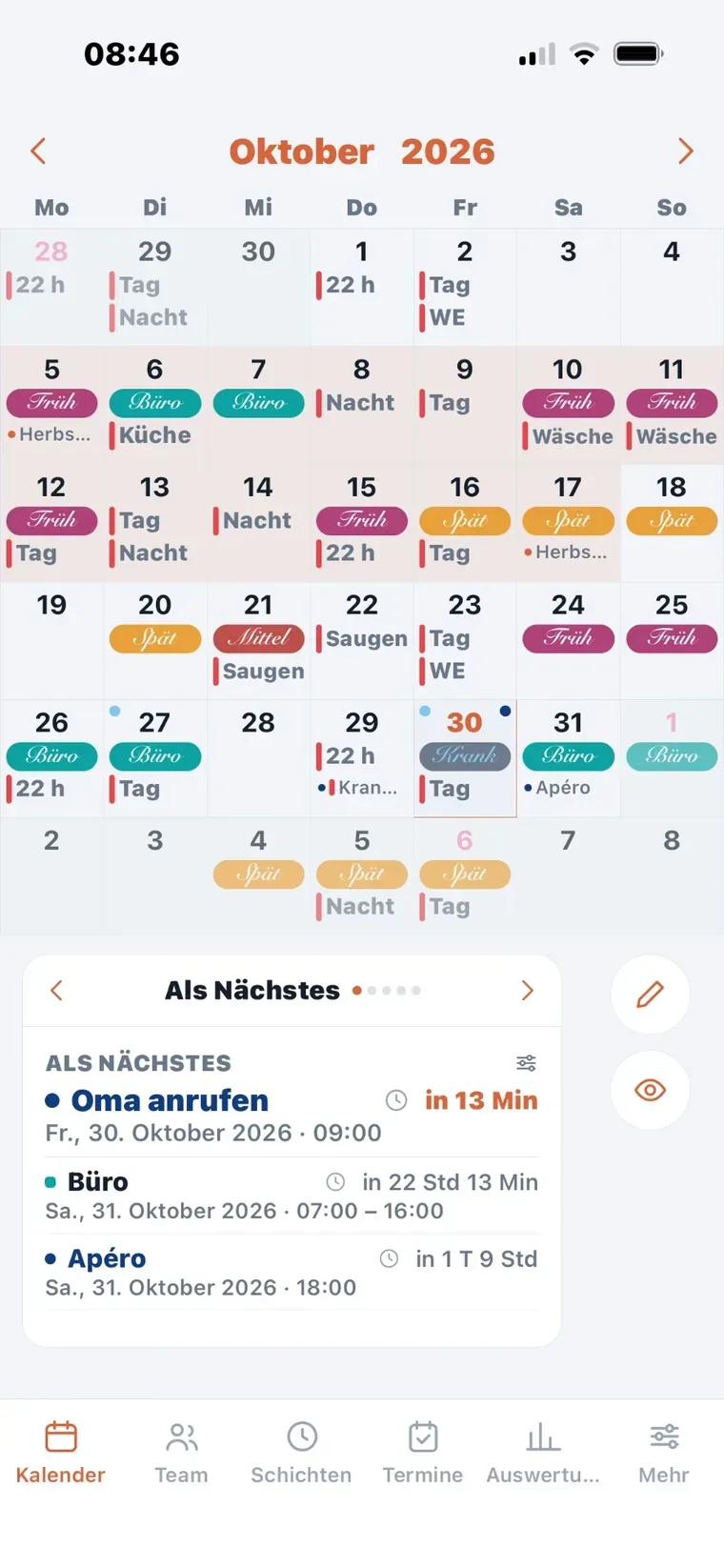
A monthly calendar with coloured shift tiles; below it a list “Up next” with the coming appointments.
Your month Shifts, appointments, holidays — and what is up next.
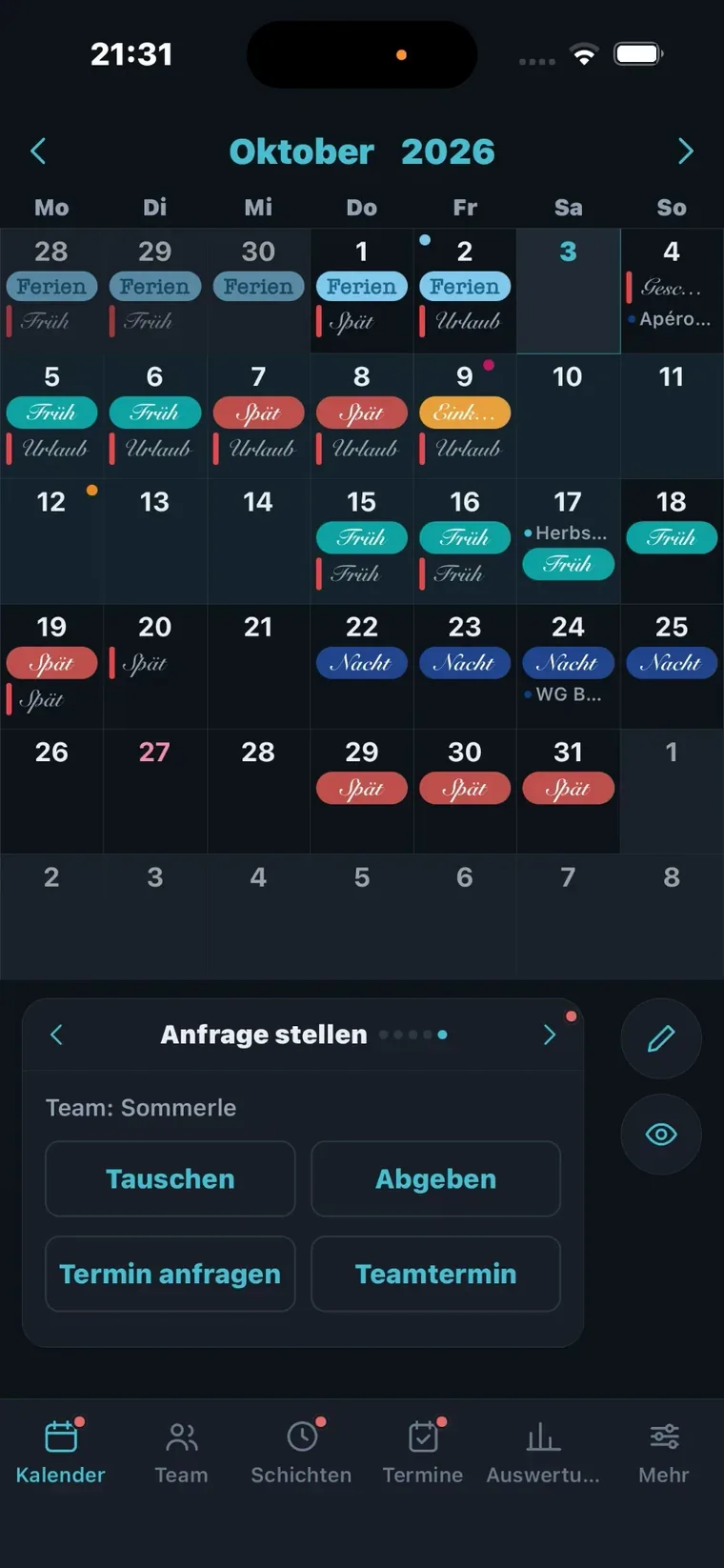
The same calendar in dark mode; at the bottom a bar with the buttons Swap, Hand over, Request appointment and Team appointment.
Swap and hand over A request to someone in the same team — as soon as it is answered, you get a reply.
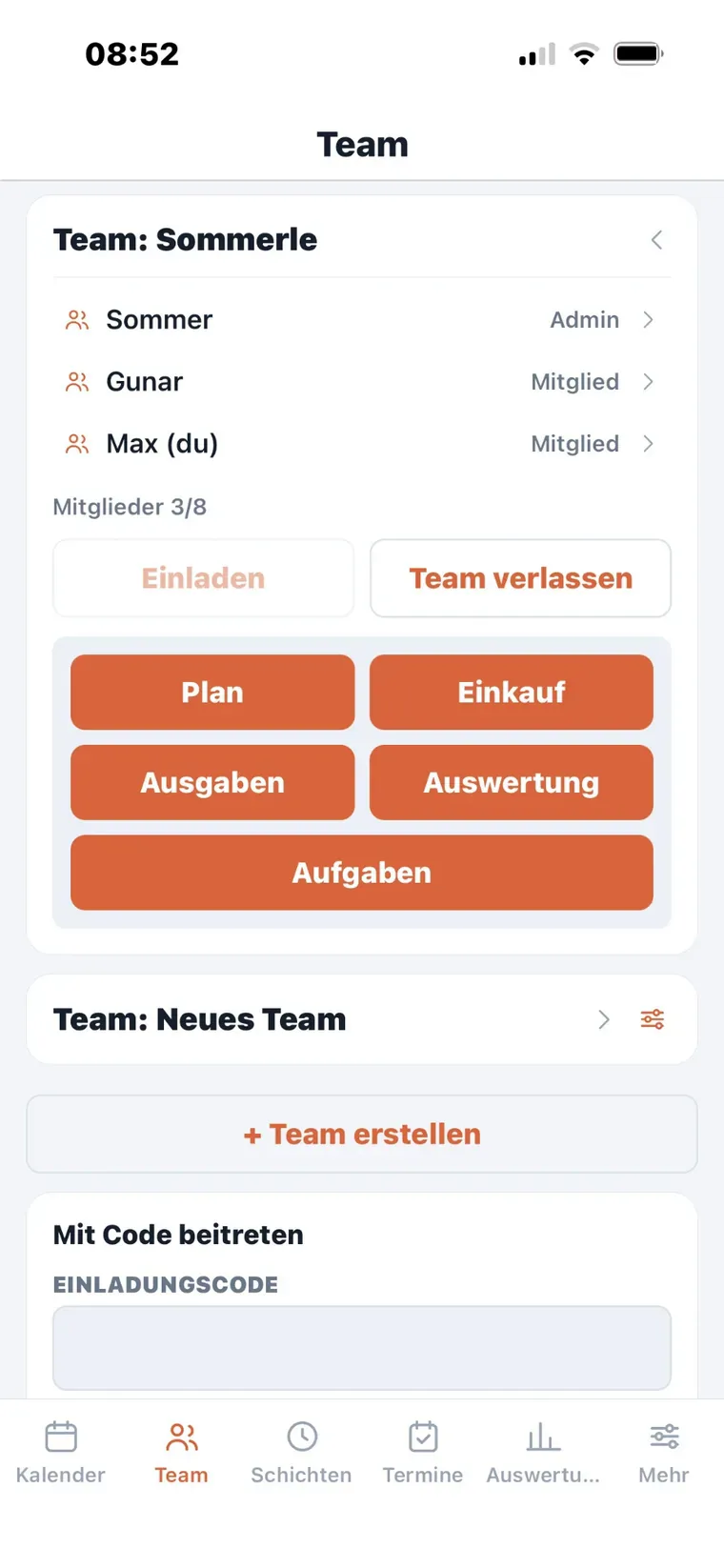
The member list of a team with their roles, below it the buttons Plan, Shopping, Expenses, Statistics and Tasks.
One team Family, flatmates or friends — each with its own lists.
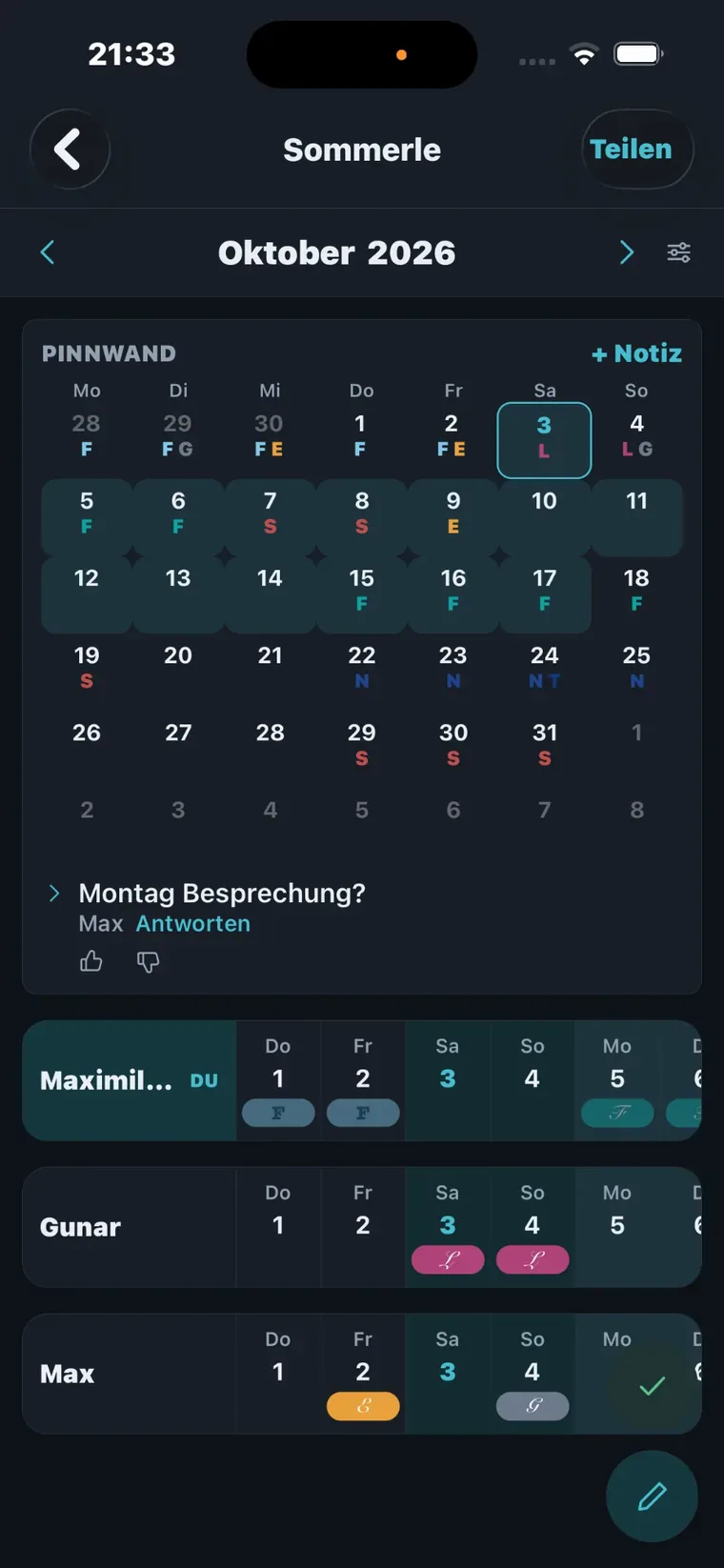
A pinboard with a monthly grid and a note, below it one row per flatmate across the days of the month.
The plan Who does what and when — and a pinboard for everything in between.
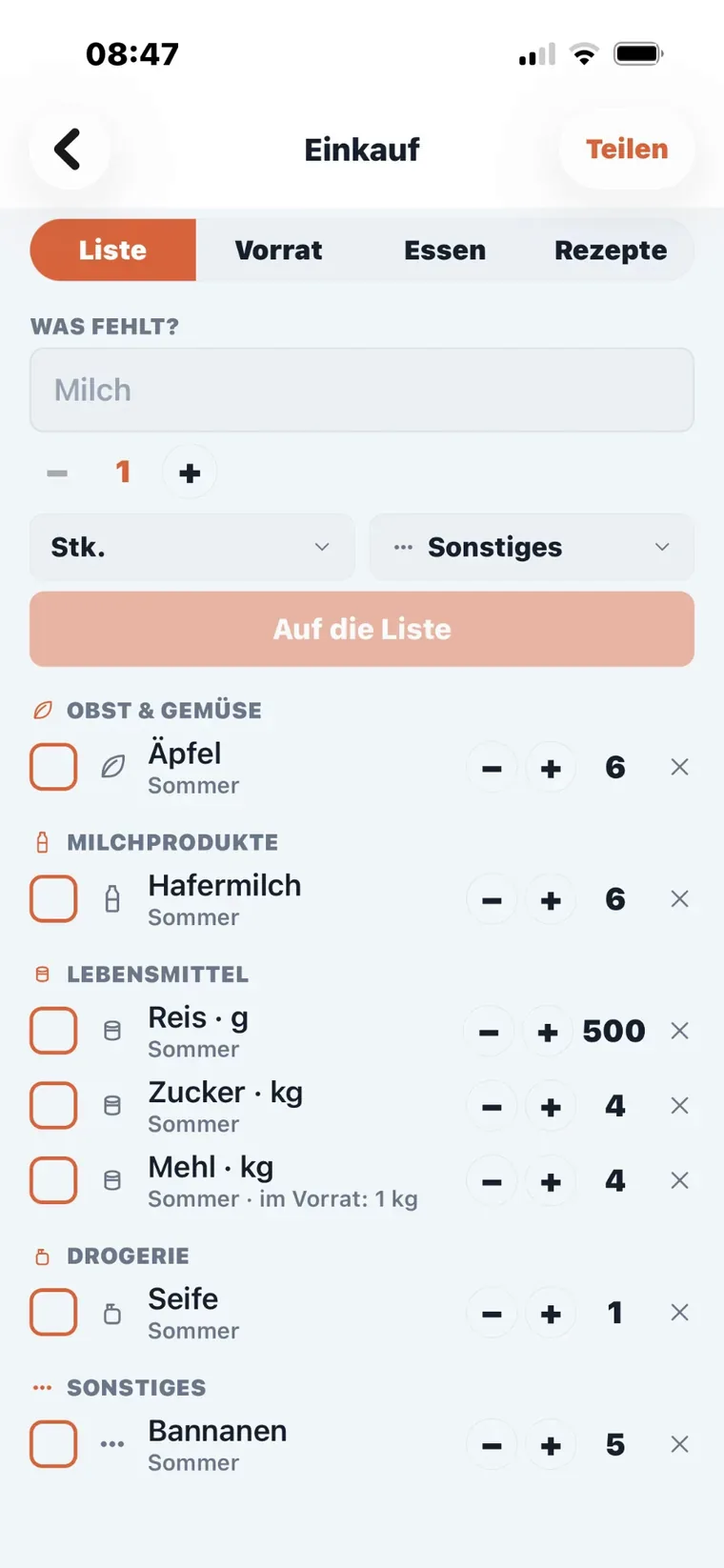
A shopping list ordered by group, with amount and unit on each line.
The shopping list Ordered by group, with amount and unit.
The pantry with the amount per item and a button to put something on the shopping list.
The pantry What you have. What is running low goes onto the shopping list with one tap.
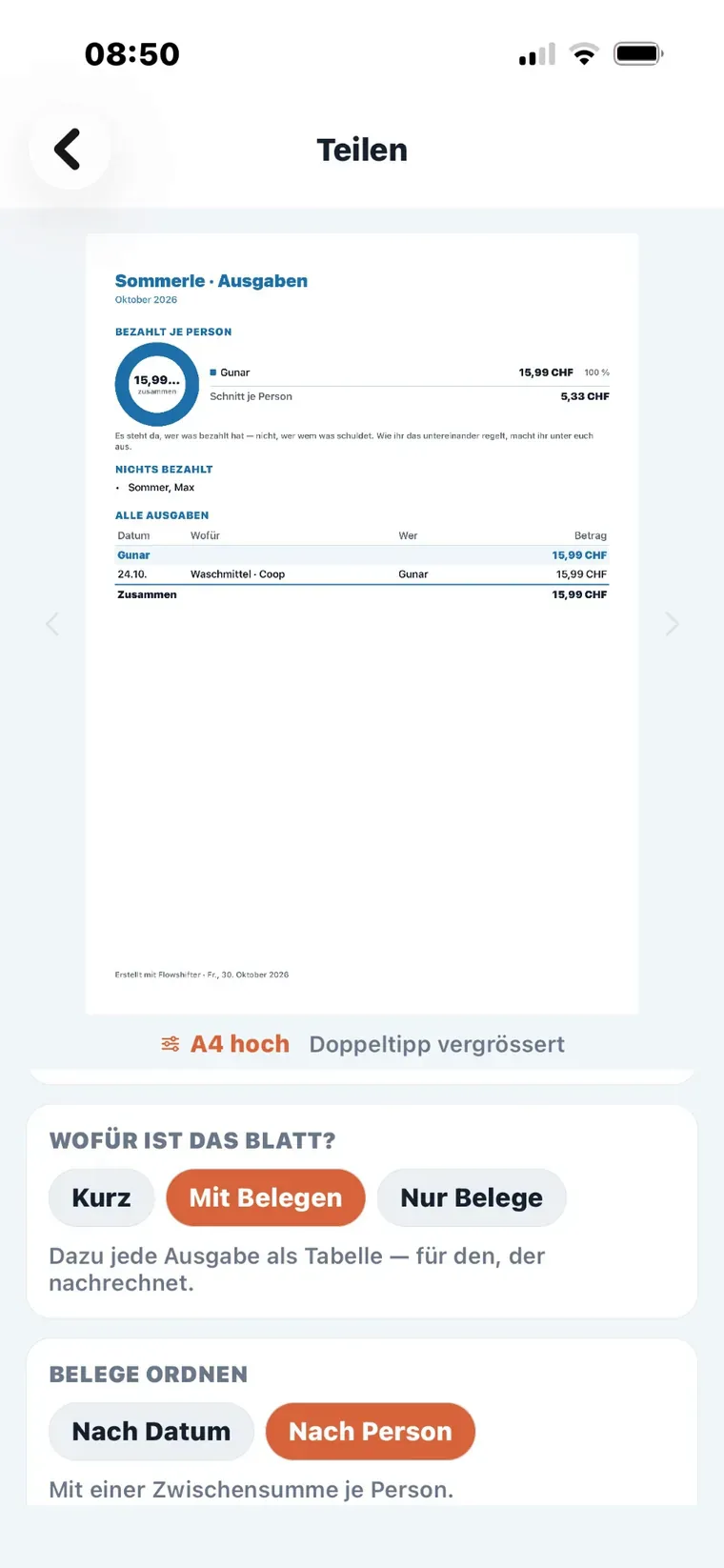
The preview of an expense sheet: a ring chart of who paid, and below it every expense as a table.
Who paid what As a sheet to share or print.
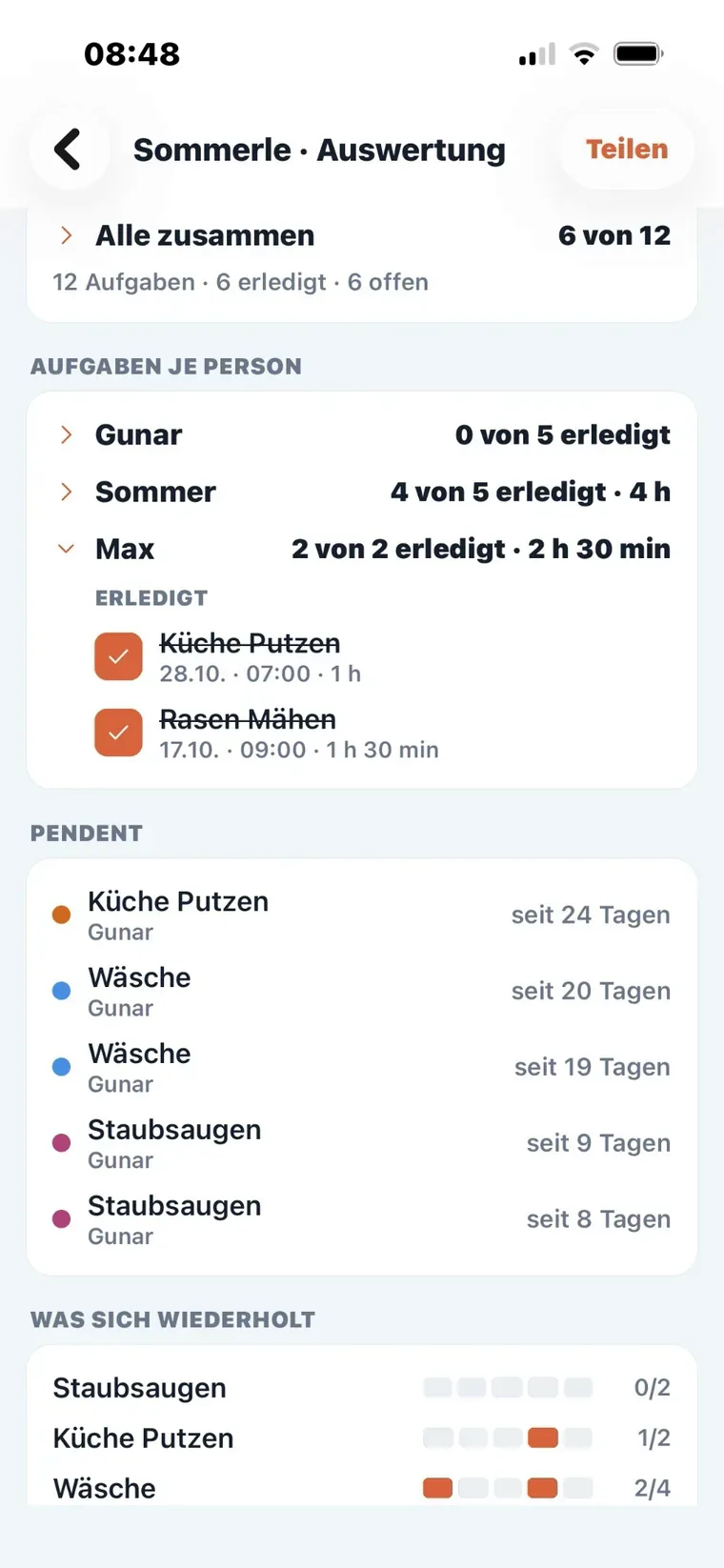
The statistics of a household: tasks per person, open items with their age and what repeats.
Tasks per person What is open, since when — and what repeats.
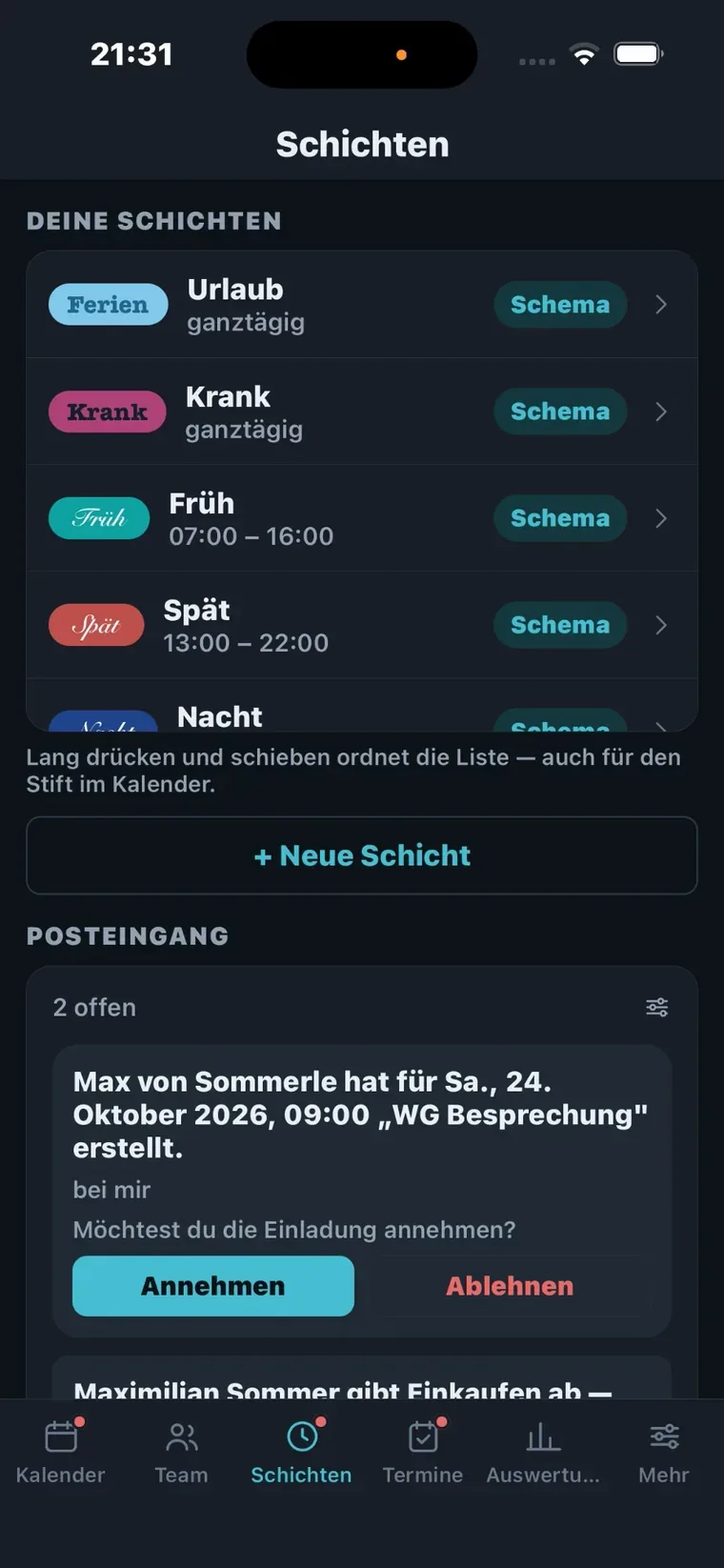
Your own shift types with colour, abbreviation and times, below them the inbox with two open requests.
Your shift types Colour, abbreviation, times. Below them the inbox.
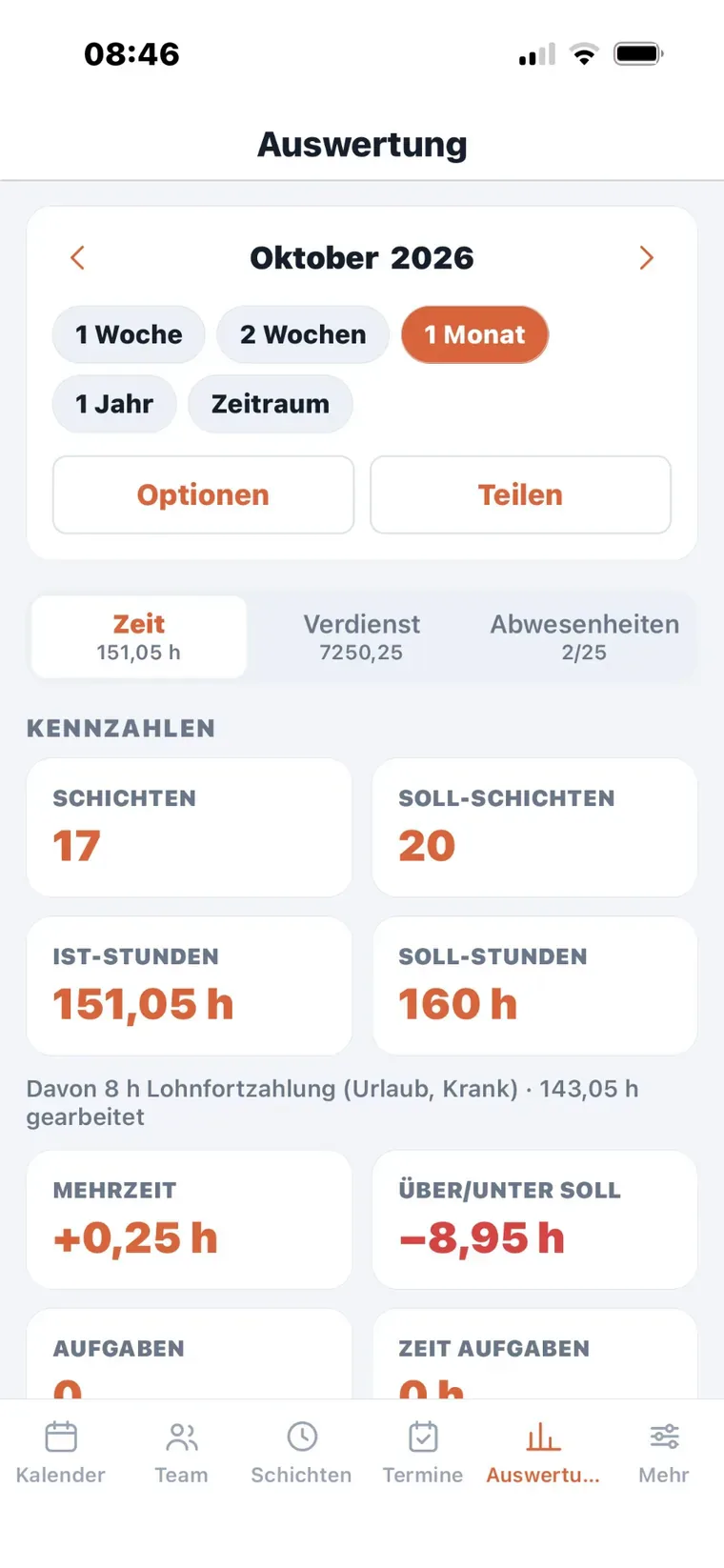
Your own statistics for a month: shifts, target shifts, actual and target hours, overtime and above or below target.
Hours and shifts Target, actual, overtime — every number broken down into its parts.
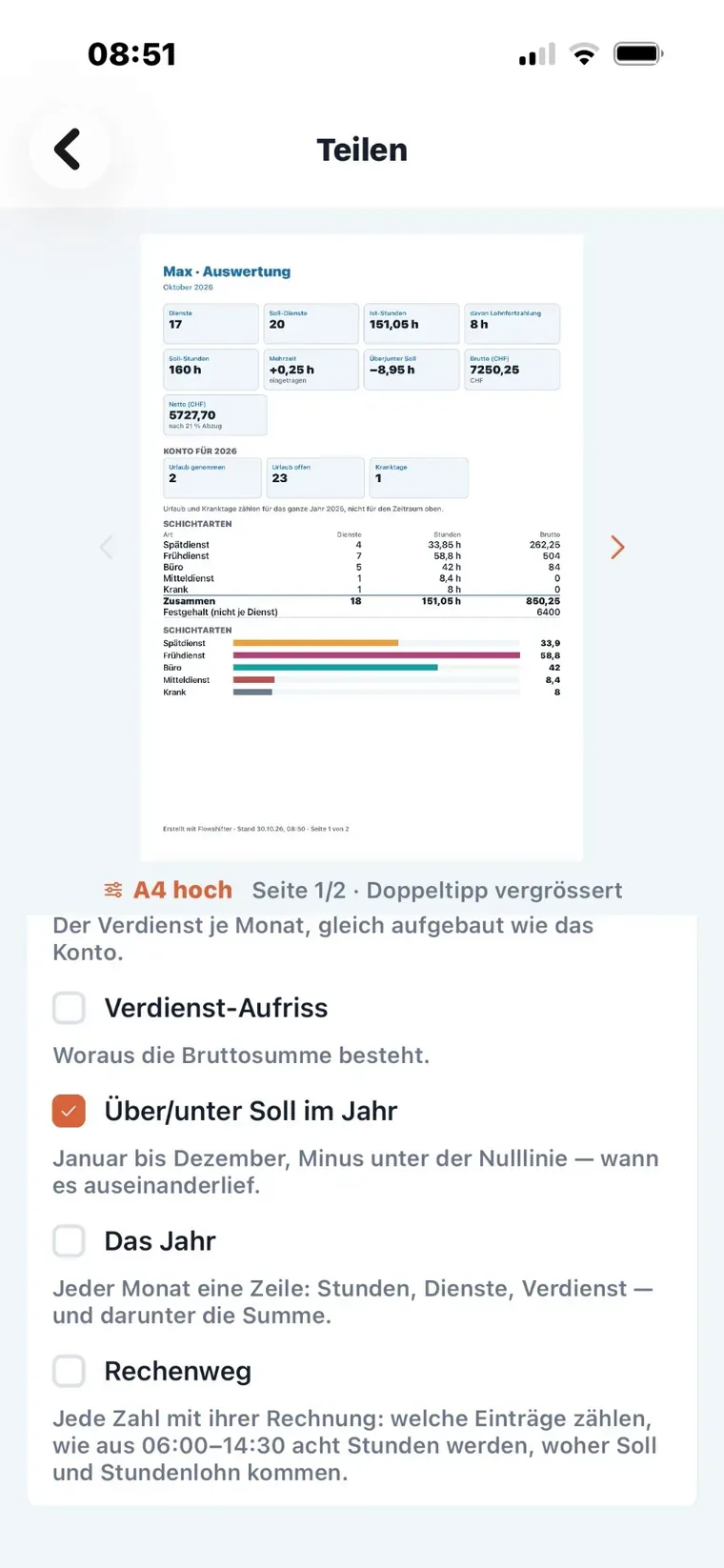
The preview of the statistics as a sheet: the key figures, the leave balance and a breakdown per shift type.
The same statistics As a PDF export or printout.
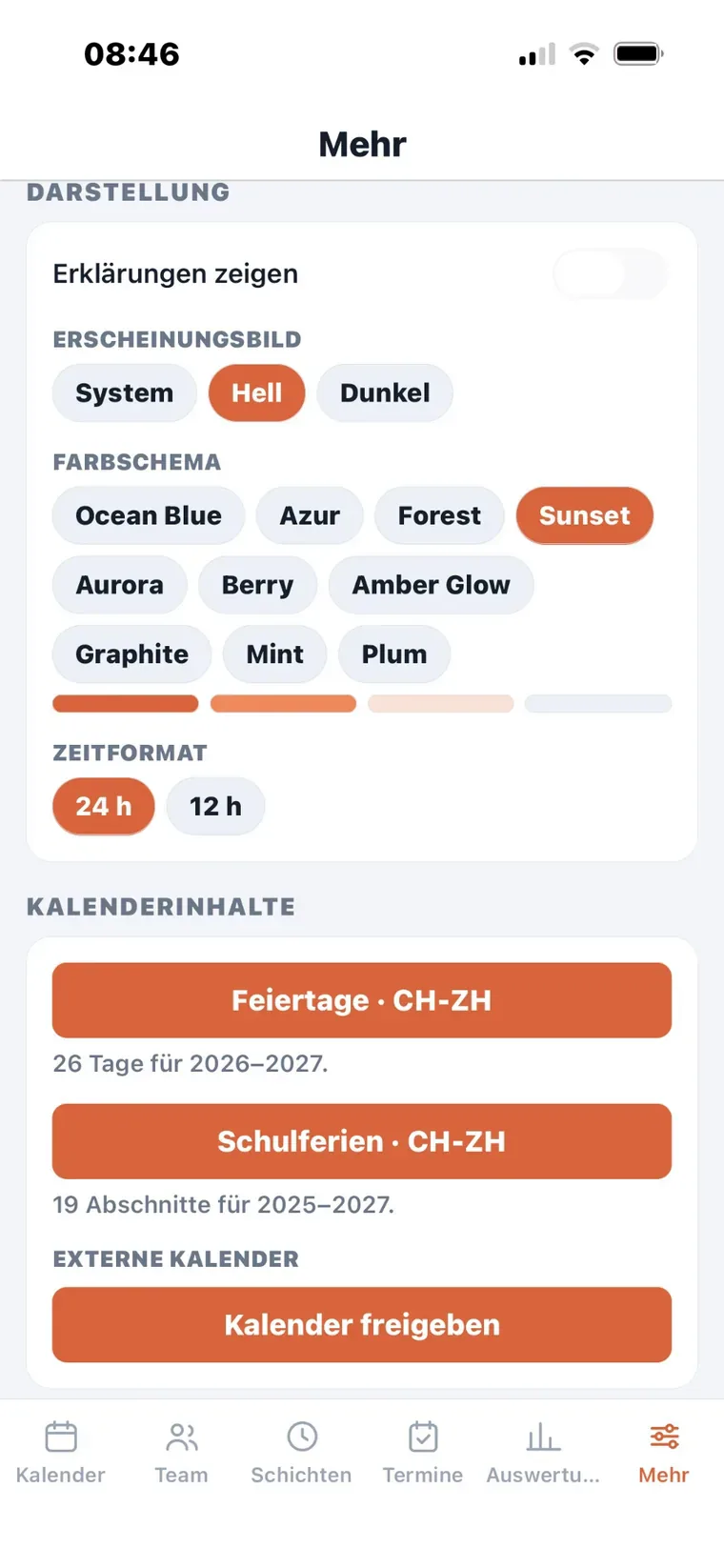
The settings with colour scheme and time format, below them the public and school holidays fetched for the region.
Colours and holidays Ten colour schemes, light and dark, plus the holidays of your region.

What others say

Still young — and already listed.

Flowshifter has been in the store for a short while. Wherever the app is presented or reviewed, it appears here.

Questions? Suggestions? Bugs?

Write to flowshifter.support@proton.me.